Print a sticker for every bin, scan it with your phone, see what's inside. Then it tracks warranties, schedules the maintenance, puts it on your calendar, and shares a read-only view with your insurer. Same sticker.
ShippedPrivate beta — invite only
Modular apps for people whose workflows don't fit a SaaS template
Track your stuff. Plug in the bits you need — inventory, locations, labels, machines, schedules — skip the bits you don't. Then wire them together so they actually talk. No code.
We cobbled this together because nothing else fit. Turns out a lot of people have that problem.
Better than a home-inventory app — on this combo alone.
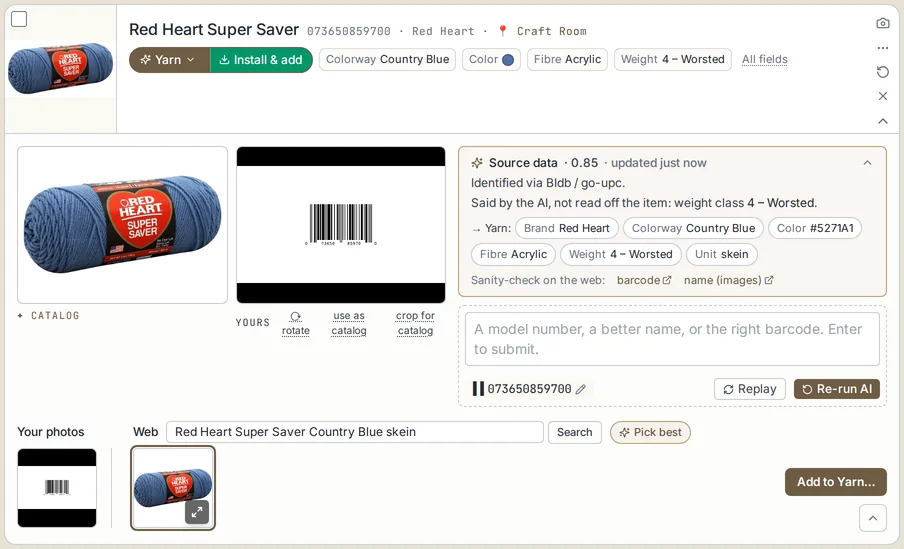
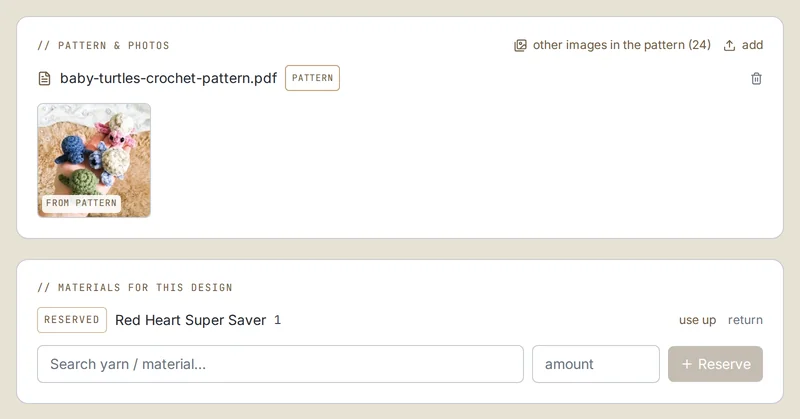
A skein of yarn. A brake caliper. A jar of spices. Every app that tracks them is secretly the same app — a list of things, with fields, units, and photos. The only real difference is the costume, and store-bought apps come dressed in someone else's.
Same row. Three costumes. That's the whole trick.
So the perfect niche app you can't find isn't missing — it just isn't dressed yet. Cobblr hands you the plain list and you dress it yourself: a dye lot on the yarn, a torque spec on the caliper, a rack slot on the spice jar. That takes an afternoon, not a developer.
Every one of these is a real, working app built by cobbling pieces together. Shipped & tested
Print a sticker for every bin, scan it with your phone, see what's inside. Then it tracks warranties, schedules the maintenance, puts it on your calendar, and shares a read-only view with your insurer. Same sticker.
ShippedYour whole fleet, the builds in flight, the parts they eat, and the upkeep each machine is due for — and it sends jobs to the printers and throws a live status board on the wall. The app that runs a 30-machine shop.
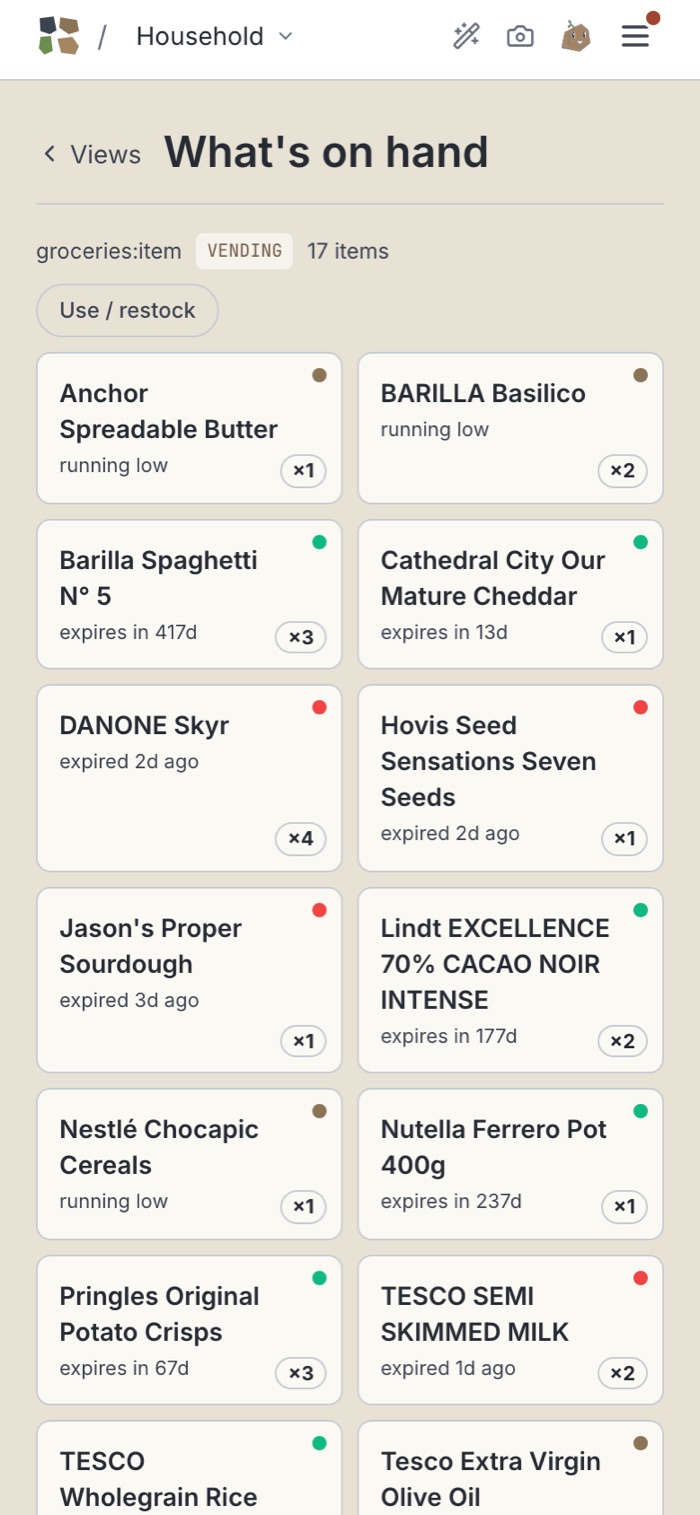
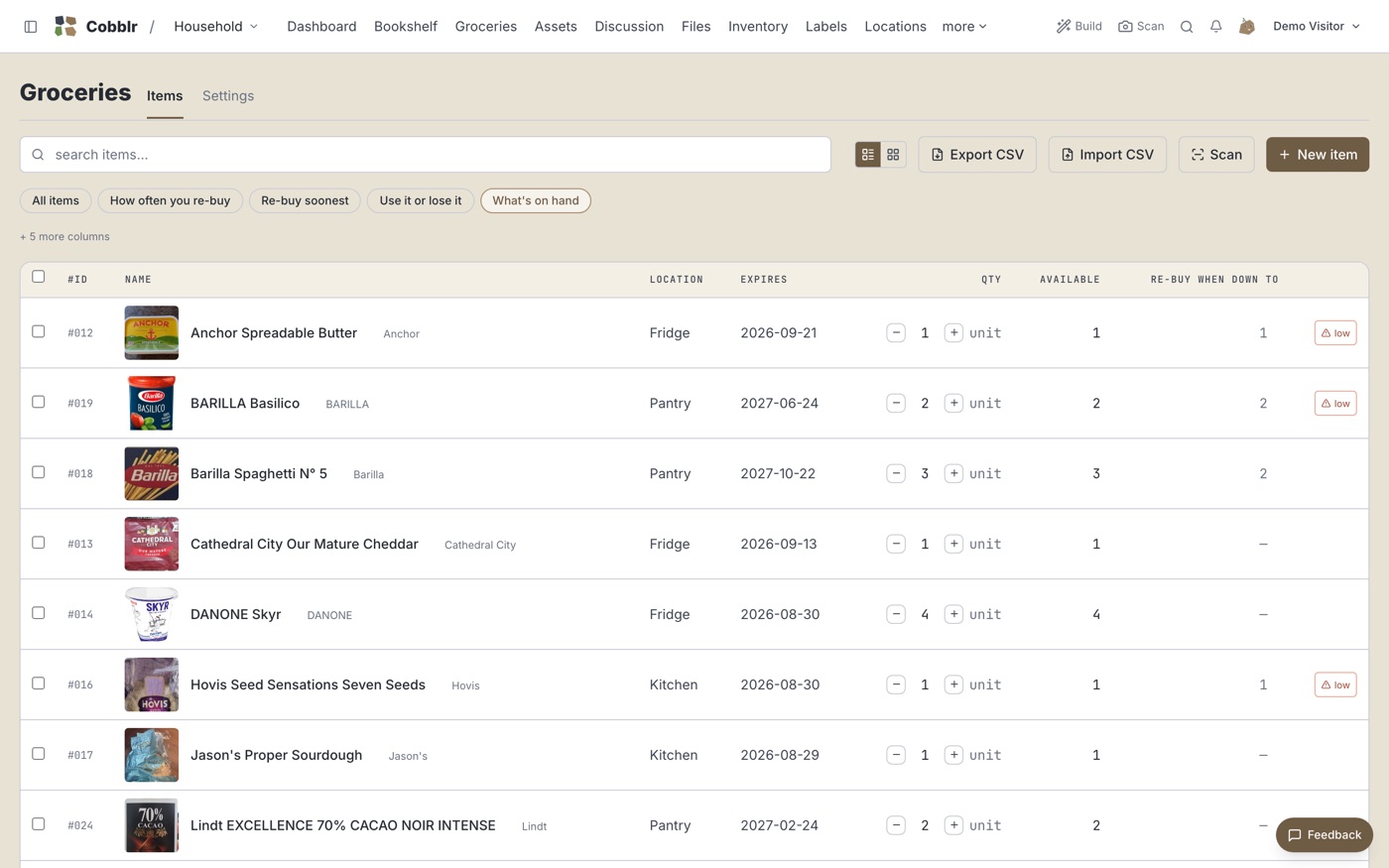
ShippedRun out of milk → it's on the list. Check it off → the fridge refills. A grocery order arrives → it logs the spend on a chart that trends like a fitness goal. Three things that never heard of each other.
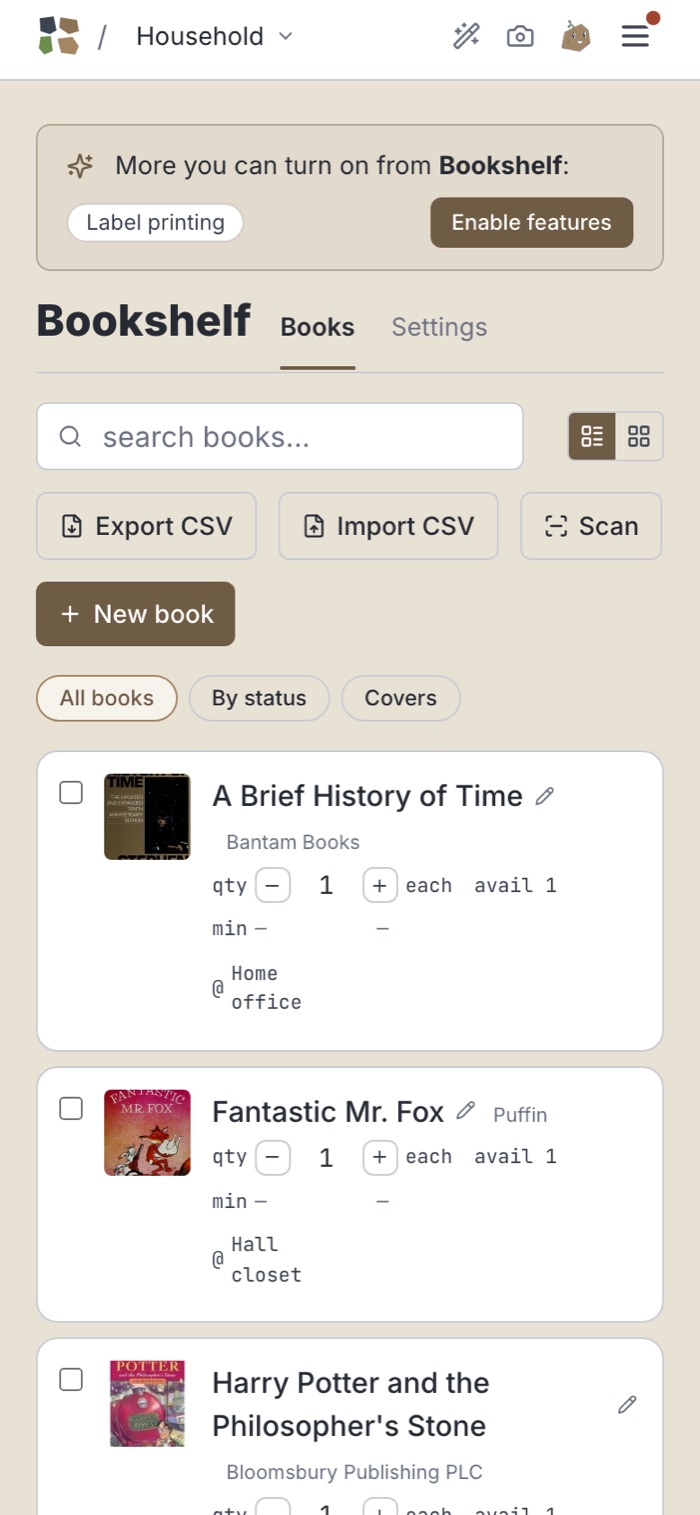
ShippedScan a box — the catalog fills in the name, photo, and year. Share a read-only wiki with friends: photos shown, what you paid hidden.
ShippedLog a repair you did yourself — it decrements the parts you used from stock. The next service lands on your calendar before it lapses.
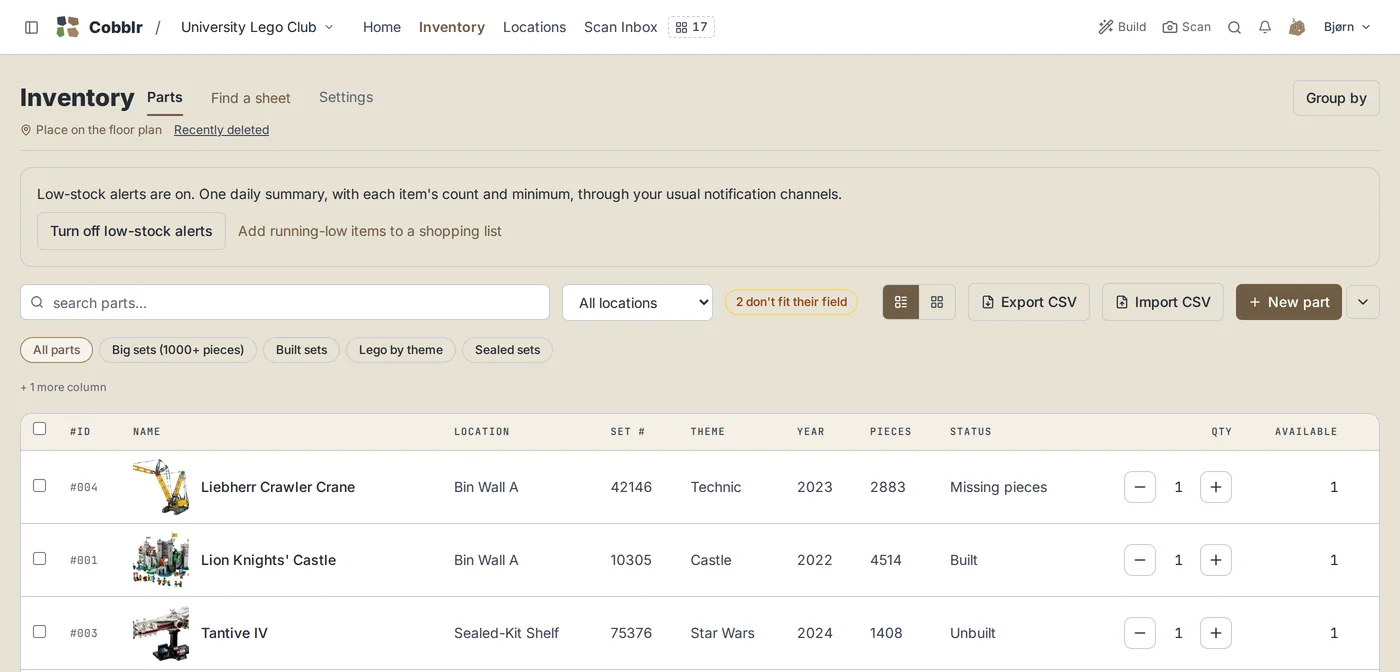
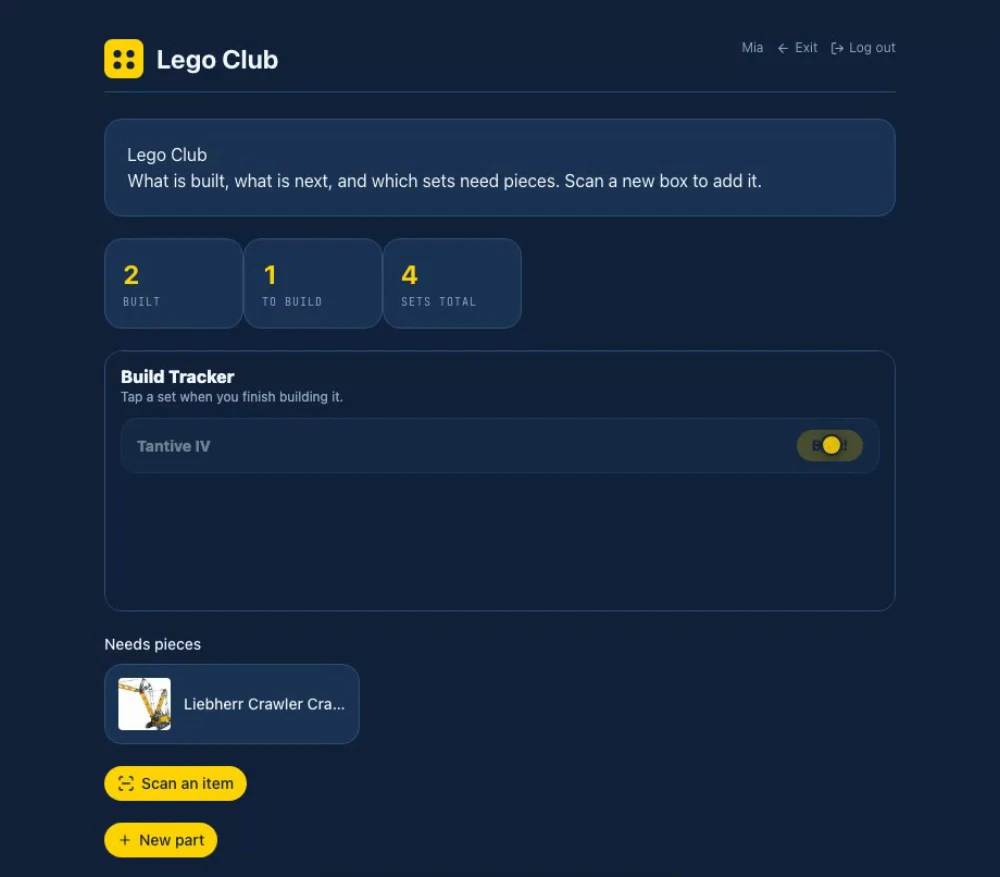
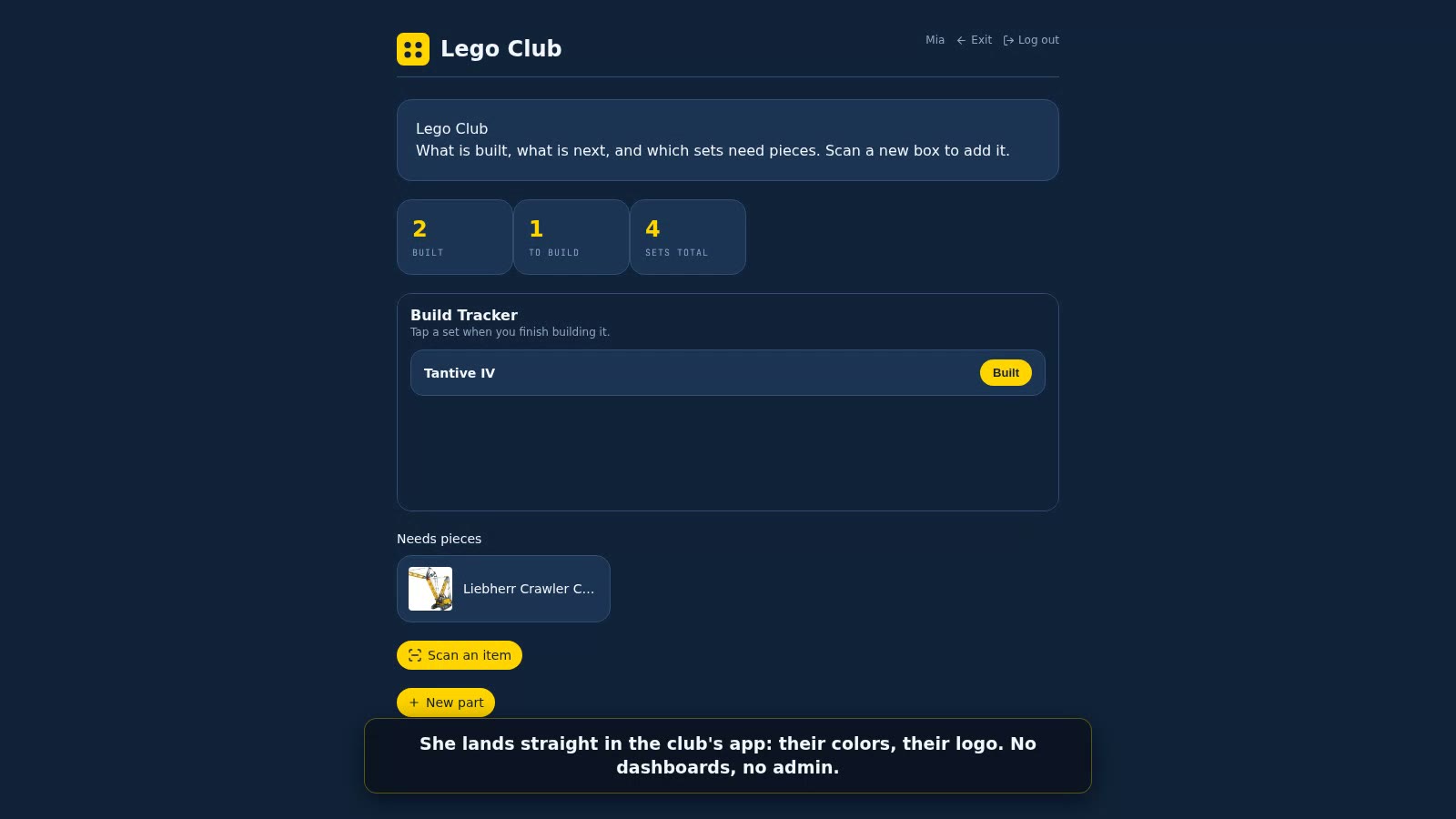
ShippedMembers log into a themed app you built — with the buttons you chose and the permissions you set. Not a spreadsheet. A university Lego club runs on this.
Shipped · beats a no-code app builderEach plant knows its zone and how often it drinks. When one's due, Cobblr tells Home Assistant to run that zone for the right number of seconds — Cobblr decides, your controller opens the valve. The to-do list that commands a sprinkler.
Shipped · talks to Home AssistantThe part a spreadsheet — or any single-purpose app — never could. A connection is a sentence you click together:
You never have to touch these. But the day you want milk to add itself to the list, it's three clicks — not code. And a few of them add up fast:
Milk hits zero → it's on your shopping list → you check it off → the fridge count goes back up. No code. Two clicks to set up.
A $4.50 grocery order arrives → it restocks the milk and logs $4.50 onto a "grocery spend" chart — even though groceries and spending are two separate pieces that never knew about each other.
Type "millennium" → pick 75192 — Millennium Falcon → name, image, year, and theme fill in from a database of 27,000 sets. Adding inventory is a search, not a form.
Cobblr doesn't drive your 3D printer or flip your lights — that hardware already runs its own software. Cobblr is the layer above it: it decides what and when, keeps the record, and sends the command to whatever does the work.
That boundary is the whole point. It's why your to-do list can send a job to your printer — and why your plant collection can water its own garden, each plant on its own schedule. One brain over all your disjointed systems.
Those are a database and a doc that you turn into an app by hand. A spreadsheet can't print a QR label, scan a barcode, put a date on your calendar, or send a job to a machine. Cobblr does all four — they're modules, not formulas.
Opposite ends. Home Assistant runs your hardware in real time; Cobblr is the system of record above it — what you own, what it needs, what's scheduled — and it talks to Home Assistant to send commands and read data. They pair; they don't compete.
Each of those is one point. Cobblr is the one tool that becomes any of them — and then connects them. You don't install five apps that don't talk; you cobble together one that does.
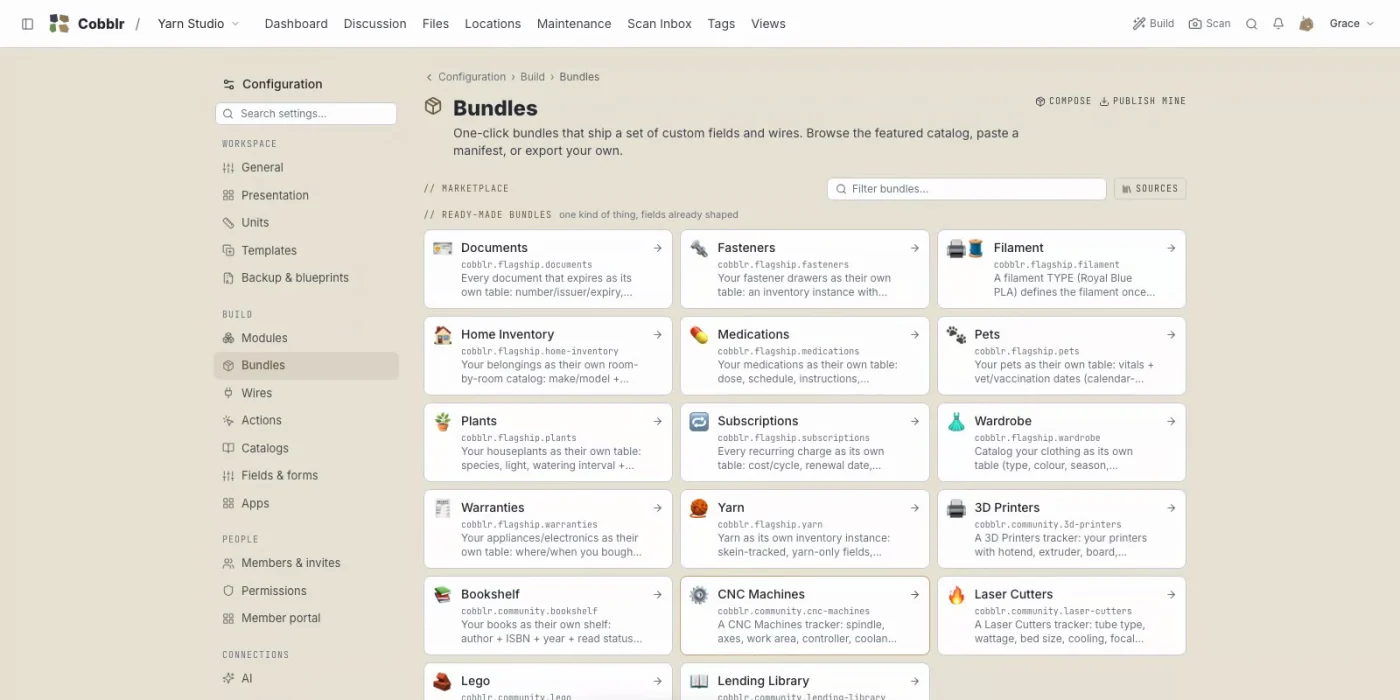
Not if you start with a flagship bundle. Pick what you care about — Yarn, Home inventory, Pet care — and one click sets it all up: the right fields, the right units, and a saved view, pinned. Pick "Yarn" and you get colorway, fiber, weight and dye lot, "brand" and "price per skein" already relabelled, and a "My yarn stash" view grouped by weight class — in under a minute. Add your first skein and you're set. Power is opt-in; most people never touch a wire.
More than a dozen ready-made templates for the usual stuff. One click installs the fields, the units, and a pinned view — you're adding your first item in under a minute.
Install adds only what the bundle brings; uninstall takes only that away. Anything you customize on top stays yours.
Or skip the picking entirely (bring your own AI)
Type that, and your AI writes the bundle — one page of JSON that sets your fields, units, and a view. Not an app full of code; a template Cobblr reads.
Your AI builds it. Cobblr verifies it — every line checked before it lands in your workspace. Still no code you write. Bring your own AI key; Cobblr doesn't host one.
Turn on what you need — inventory, locations, labels, machines, schedules — ignore the rest. Or describe what you track and let your AI pick.
Add your own fields, units, and views. A "dye lot" on yarn, a "rack slot" on spices, a "warranty expires" date that lands on your calendar.
When stock runs low → add it to the list. Click the sentence; it runs itself from then on.
Private beta · invite only
It probably doesn't exist because it's yours. We're letting people in a few at a time — drop your email and we'll reach out.
No spam, no charge — just an invite when a spot opens. Browse what people built while you wait.